
- Home
- All Episodes
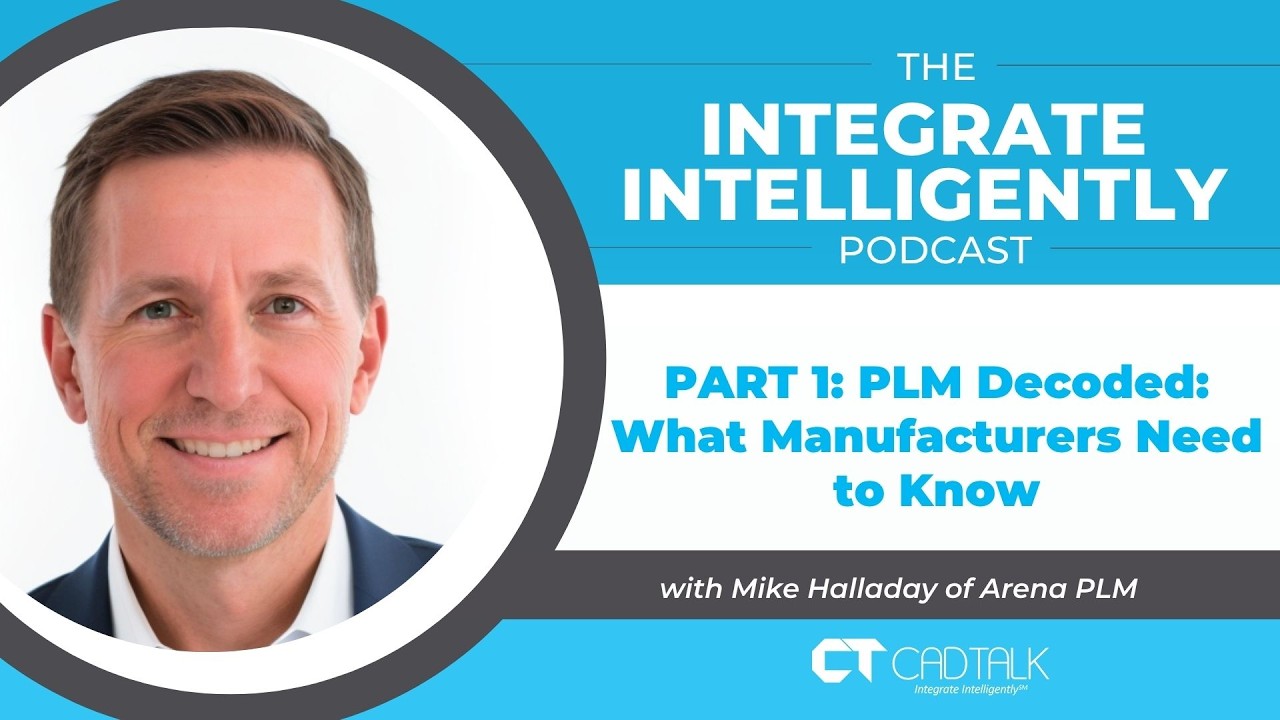
- PLM Decoded: What Manufacturers Need to Know – Mike Halladay of Arena PLM, Part 1
PLM Decoded: What Manufacturers Need to Know – Mike Halladay of Arena PLM, Part 1
{"email":"Email address invalid","url":"Website address invalid","required":"Required field missing"}
Episode notes
If you've ever confused PLM with PDM — or wondered whether your company even needs a PLM system — this episode is for you. Host Jeff Brickler sits down with CADTALK founder & CEO Scott Brickler and Mike Halladay, Solution Consultant at Arena PLM (a PTC product), to cut through the acronyms and get practical about what Product Lifecycle Management actually does, who needs it, and how AI is starting to change the game.
Full Episode Transcript
PLM Decoded: What Manufacturers Need to Know — Mike Halliday (Segment 1)
The Integrate Intelligently Podcast — with Jeff Brickler, Scott Brickler (CADTALK), and Mike Halliday (Arena PLM / PTC)
Mike Halliday, Solution Consultant at Arena PLM (a PTC product), joins Jeff Brickler and Scott Brickler to untangle PDM from PLM, explain where PLM fits relative to ERP, and walk through how the engineering change process crosses the line from design into production.
Speaker note: three speakers — Jeff, Scott, and Mike. Jeff opens as host and closes the episode; Mike is the PLM expert answering nearly every substantive question; Scott jumps in with follow-ups drawing on CADTALK's own ERP-integration experience. A couple of short exchanges — particularly right after a brief connection freeze early on — are a best guess on who's speaking.
Welcome & Guest Introductions
Jeff: Welcome back to the Integrate Intelligently podcast. I'm your host, Jeff Brickler. Today I'm joined by two distinguished guests — our founder and CEO, Scott Brickler, and Mike Halliday, Solution Consultant from Arena PLM, a PTC product. Today we're talking PLM decoded: what manufacturers need to know. By the end of this, you'll understand what PLM actually does, whether your organization needs one, how Arena fits into that picture, and how AI is changing the game for PLM and the manufacturers who use it. Mike, thanks for joining — Scott, good to see you again.
Scott: Looking forward to this one.
Jeff: Mike, one of the things that threw me when I first got into this industry was all the three-letter acronyms — ERP, PLM, PDM, MES. Even when I talk to manufacturing companies and engineers, I hear people use PLM and PDM interchangeably, without really knowing the difference, and it gets overwhelming. They all have distinct use cases, but today the goal is to define each one clearly. You've spent over 20 years in engineering, manufacturing, and PLM — I'd love your perspective on where PLM fits, and what both engineers and companies need to understand about it.
PDM vs. PLM: What's the Actual Difference?
Mike: It's an easy mix-up just because of how similar the acronyms sound. PDM is focused specifically on CAD data — your PDM system manages the files generated by whatever CAD system you're using. PLM sits downstream from CAD, and its purpose is to pull all the data that defines your product into one place. You hear "single source of truth" thrown around constantly, and there are a lot of ways to define that phrase, but PLM is your single source of truth for the definition of your product.
Scott: That's a good point — and it's funny, because we work in the ERP space, and ERP vendors say exactly the same thing about being the single source of truth.
Mike: Right — sorry, I think we froze for a second there. Go ahead, Jeff.
Jeff: So, Mike — ERP would claim the same single-source-of-truth status, and I think that's true for certain things. But what are the pain points customers run into that push them toward PLM specifically? We've covered PDM as file version control — what is PLM solving that ERP or PDM don't?
Where PLM Fits vs. ERP (and Why ERP Isn't Enough)
Mike: ERP can absolutely be considered a single source of truth for what you're producing today — it should hold the truth about your current product so you can execute and transact against that information. But what you want in ERP, your production system, is only the data relevant to production right now. You don't want confusion, and you don't want to be producing against a superseded revision or incomplete data. PLM is the system for all your work-in-process — as you move from the last producible revision of a product to the next one, that in-process work lives in PLM. People talk a lot about eliminating silos in this industry, but sometimes you actually need silos, because you don't want incomplete, work-in-process data sitting in ERP where someone might accidentally produce against something that isn't finalized.
Scott: One thing I've noticed — and you've probably seen this too — is that ERPs try to bolt on functionality to work around this, because customers ask for it and manufacturers need an ERP regardless, there's no way around that. Setting aside the risk of exposing work-in-process data, what does PLM do especially well that ERP typically doesn't?
Revision Control: PLM's Core Superpower
Mike: Architecturally, ERP is a transaction system — it takes a set of data and transacts against it. PLM, at its core, is a revision control system. Trying to bolt revision control onto an ERP generally isn't very successful, and ERPs typically don't manage full revision history anyway — all you usually get is access to the latest, producible-today version. In PLM, I have the entire revision history, I can go back to any revision, compare revisions, and control the release of changes. It's a change control system: you do your work-in-process, hit a milestone where you're ready for production, and route that entire compiled record for approval. Once approved, it's released, becomes effective, and that's typically the point you transfer that information to ERP as the next producible revision.
Scott: Follow-up on that — one pattern we've noticed across the customers we've worked with over the years is that PLM tends to show up more with engineer-to-stock companies — something closer to a model-year format, where there's a design, then a new version next year, with a lot of data and compliance wrapped around it — and less with true engineer-to-order companies, where PLM often ends up feeling like overhead. Has that matched your experience, or something different?
PLM for Configure-to-Order & Engineer-to-Order Manufacturers
Mike: You get into some real nuance around products with a lot of variance in their definition. If you have a highly or infinitely variable product — meaning effectively infinite possible variations, most of which will never actually get built because nobody will ever order them — you'll typically need a configurator somewhere in the mix. PLM is still relevant there, because it becomes the foundation for the data you feed into the configurator, which then applies rules for configurability. The configurator handles the order-specific configuration and sends that to ERP — so in that scenario, the configurator sits between PLM and ERP. In situations with a finite, smaller number of possible configurations — say, under a hundred — you can often just handle that directly in PLM and skip the cost and setup of a configurator entirely. It comes down to weighing the number of potential configurations against the benefit of having a configurator in the mix.
Scott: What about true project-based work — genuine ETO, where you're literally designing for one specific customer with no repeat?
Mike: A lot of ETO work is: design it once, build it, and never revise it — versus, say, a next year's model, or a customer with a very unique spec you're engineering to. Even in a complex ETO product with a lot of subsystems, if you're reusing subsystems you built for a previous order, PLM stays relevant for maintaining, revising, and re-releasing those subsystems. The final, one-off, end product release is likely to happen in PLM too if you're keeping those subsystems there, but the higher relevance is really in the reused subsystems you maintain over time.
Scott: That tracks — it's very rare that we see truly pure ETO companies. Usually it's some hybrid: project-based work, but built off base assemblies or designs they've used before.
The Engineering Change Process: When Does It Cross From PLM to ERP?
Scott: Building on what you said earlier about PLM being fundamentally a revision-tracking system — one thing we've dealt with, and are actually working on, is figuring out exactly when an engineering change crosses the boundary from PLM into ERP. Obviously you're tracking everything on the design side in PLM, but it eventually affects ERP and production. What's your experience there?
Mike: In Arena specifically, and in most PLM systems, you have different categories of change. Some are relevant to ERP, some aren't. If there's no material change to the product — no actual design change, no effect on ERP — you don't release that to ERP at all, maybe just a minor version bump on the documentation side, possibly some updated shop floor instructions, but the product definition stays essentially the same. When it is a material change, you need a formal revision control process — a robust review of the new product definition and all its collateral — and once you secure those approvals, it releases and the new revision becomes effective. That's the transfer point to ERP.
Scott: And that's also where you handle disposition — what to do with everything already in process.
Mike: Right — you build a list of affected items and associate dispositions with each: how it affects inventory on hand, what's on order, and so on, and that gets captured and communicated to ERP as well. Arena typically stops there — we work off a single effective date for a release. I always distinguish between the effective date of the product itself — when it was reviewed, approved, and became effective — and the cut-in date on the ERP side, which might be later, if you've got inventory to use up first.
Scott: That makes sense — you're translating from an engineering or product perspective into a production perspective, and you end up with these two separate dates, since you might approve a design on the first of the month but not actually integrate it into the production line for another two months while working through old inventory. Go ahead, Jeff.
Jeff: How do you actually know when it's going to phase in? If I make a change effective today but we still need to use up old inventory, something has to calculate when that inventory actually gets consumed.
Mike: First and foremost, hopefully you've got production people involved in the review and approval process to begin with, helping determine those inventory dispositions. Beyond that, they're also helping with implementation tasks — we can specify an implementation task where someone is responsible for calculating that future date and applying it in ERP, since PLM's own process is finished at that point. We track a list of these tasks; in the PLM workflow, you have "effective," but there's also a further status called "complete," once everyone's finished their implementation tasks and closed out that change order.
Scott: That's separate, though, from the actual disposition — what you're going to do in ERP. When you cut over two months out, there's presumably some tooling involved in figuring that out, and then what happens to in-process jobs or work orders already on the shop floor? Do you just let those ride until inventory runs out — since not everything is stocked, some things are made to order?
Mike: Right, lead times and made-to-order items definitely affect when the cut-in actually happens in production — a lot of considerations there.
Scott: And you can have a mix — some things made to order, others just old inventory you're working through — which can get messy pretty fast.
Mike: Mostly we're talking about off-the-shelf, use-from-stock components, but made-to-order items also get stocked into inventory once produced and shipped, which is handled quite differently than off-the-shelf components. That said, all of that is downstream from me — I'm not an expert in how that's handled on the production side. I'm really just an expert in how we signal to them what the requirements are for the new revision.
Scott: Makes sense. It sounds like PLM is really the change-management system for the design and product side — the product-oriented half of the business — while ERP, as you mentioned, is more transactional against the product definition. So things in process, dispositions, tend to fall on the transactional side, since the product decision itself has already gone through approval: yes, this is the new design, now phase it into your production process — that's a separate concern.
Mike: Right — in the minds of PLM people, the thinking is: I released this, it's effective, it's going into production today. The reality is you'd have a hard time actually affecting that change in production on the exact day it becomes effective.
Which Industries and Company Profiles Benefit Most From PLM?
Jeff: Interesting, very good. Mike, last question for this first round — I know Arena targets a fairly specific type of customer. Are there particular industries, NAICS codes, or company profiles where PLM is just an obvious fit — compliance-heavy, heavily regulated industries, that kind of thing?
Mike: Top of the list is heavily regulated industries, because you're not just managing the product record and definition, you're managing all the procedures alongside it, meeting every level of compliance, and being able to demonstrate that compliance to an auditor. So regulated industries are absolutely at the top. Beyond that, anything with a genuinely complex product record — high-tech products, whether commercial, medical device, or defense — anything where mechanical, electrical, software, packaging, labeling, and documentation all feed into a single bill of materials is a great use case for PLM. If you have a simple product record — making ballpoint pens, say — you may not need it, although even something as commercial as a ballpoint pen can get surprisingly complex once you factor in packaging and documentation.
We do have customers who make things like shavers — the razor itself is simple, but all the packaging, labeling, and inserts that go with it all need to be managed, controlled, and released at a revision level where everyone agrees on what the current release actually is. So think about product complexity broadly: not just the obvious mechanical/electrical/software mix, but what your full product record actually looks like, and how many different departments are contributing to that record you need to maintain.
Jeff: Makes a lot of sense. Thanks, Mike — this has been a great introduction. Next episode, we'll get into Arena specifically and what sets it apart. Looking forward to it — thanks a lot, Mike.

CADTALK for IFS Cloud uses artificial intelligence (AI) to automate the transfer of engineering bills of materials (eBOM) from virtually any CAD, PDM, or PLM application into IFS Cloud for manufacturing routing. All of this can be done in minutes, reducing the handoff from engineering to manufacturing by 80% with a return on investment in about two months.
How does it work?
CADTALK generates bills of materials, routing operations, items, inventory records, and other data inside IFS Cloud. Support for document management, materials and routings is possible right out of the box. CADTALK creates ongoing bi-directional dialog between systems to take design intent to complex manufacturing execution seamlessly.
What are the benefits?
As the official partner for IFS Cloud, CADTALK implementation is fast and no customization is required.
- Automatically create new inventory parts and product structures
- Quickly generate and update BOMs
- Create rules-based manufacturing routings
- Open API and native configuration capability
- Improve accuracy
- Reduce purchasing errors
- And so much more.
Contact CADTALK today to learn more and get started today.
CADTALK is an IFS Gold Solutions Partner and the official partner for IFS Cloud.