
WHY CADTALK
Your ERP is only as good as the data you feed it.
CADTALK gets your engineering systems and your ERP talking, so your systems can do the work they were designed to do. The BOM flows from CAD straight into the ERP, accurate and on time, with no one re-keying it by hand.
Making the most of your ERP investment
Your ERP is a capable platform. It was built to give you accurate scheduling and on-time delivery, and it does that well when the data underneath it is right.
That data starts in engineering. At most mid-size manufacturers, the bill of material still crosses from CAD to the ERP by hand. Someone re-keys it, or exports it to a spreadsheet and reformats it. So it lands late and drifts from the model, and the mistakes stay invisible until a buyer orders the wrong part or a job hits the floor short.
The average ERP returns about 52% of its promised ROI. The gap usually traces back to what's feeding it. CADTALK closes that gap by handing the ERP clean, current engineering data on its own.
What CADTALK does
It works off the shelf, and it survives your upgrades
CADTALK ships with standard integrations for the CAD tools your engineers use (SolidWorks, Inventor, Creo) and the PDM or PLM that manages them (SolidWorks PDM, Windchill, Teamcenter, Arena). Each one runs on a plugin, so every customer is on the same code base and every fix lands in the version you already have.
It detects the version you're running and adapts, even when engineering is on a newer release than the shop floor. Upgrade your CAD or your ERP and it keeps working, updated through a downloadable installer.
The logic is configurable, so your team owns the rules. A change takes an afternoon in the configuration screen instead of a billable request to an outside developer.

A Smart Configuration Engine that does the real work
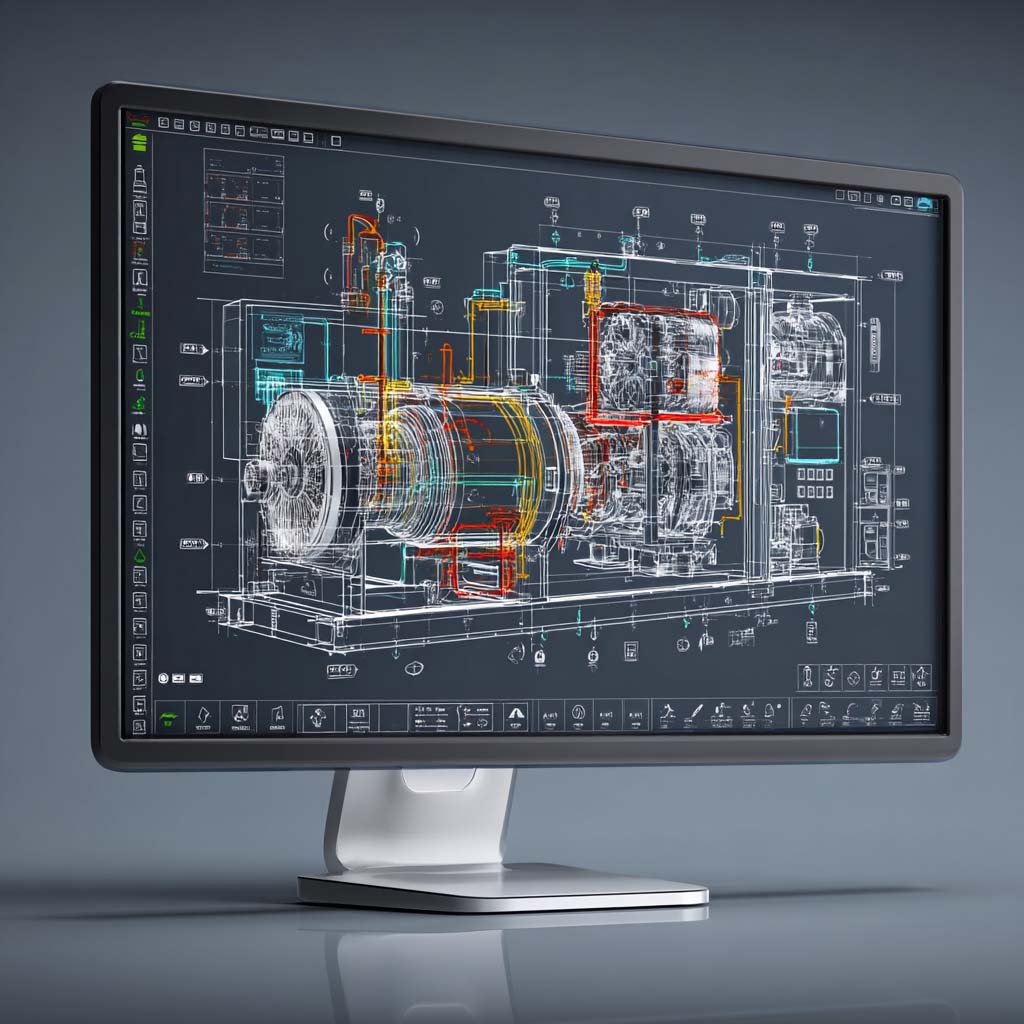
CADTALK maps fields in both directions and applies your company's logic while the data moves. It runs transformations, enforces validation rules that keep bad data out of the ERP, and fires event triggers when a BOM is saved or CAD data lands. Those events can start downstream work in other systems too.
A plain expression language drives all of it, so the person maintaining the rules doesn't have to be a programmer. Set it to run unattended and the standard BOMs process around the clock, with no one watching.
You handle the exception, the engine handles the rest
A visual interface shows each BOM the way manufacturing will build it, routings and components together, and flags problems before any of it reaches the ERP. Green means clear. Yellow and red mean a person should look. Your team works the few that need judgment and lets the rest flow through.
Drag and drop to reorder operations or components when a change comes in. Set validation rules to your own policies, so a missing field or a wrong value gets caught at the source.
Run it where it fits: inside your CAD interface, as a standalone tool that reads engineering files without a CAD seat installed (which saves licenses), or as a background service on a server.
It Feeds the ERP what manufacturing actually needs
CADTALK creates and updates items, BOMs, and inventory records in your ERP straight from the design. It also builds what the shop floor runs on: routings, operation run times, work instructions, and vendor cross-references.
The ERP ends up with a true manufacturing BOM, complete with the routings and run times your planners schedule against.
And the other supported systems

Implementation led by people who know manufacturing
CADTALK implementations are run by people who have done engineering and manufacturing both, so the work starts from your process rather than a generic checklist. Scoping is fixed-cost, so you know the number before anything begins.
Most customers reach about 80% automation the day they go live, with the return on investment landing in roughly two months.
The math is the easy part
Licensing runs $15K to $50K. Set that against the $500K to $3M you've already put into the ERP, and it's a small line item against the asset it makes work.
Payback lands in 2 to 4 months on recovered engineering time alone, before you count a single wrong part or late shipment. For a team of 10 engineers, that's roughly $234K a year back in capacity.
What it looks like in production
CADTALK’s bi-directional capability helps to automate part number creation for new items and ensure existing items are assigned the correct part number. The CADTALK platform reduces manufacturing lead time, improves inventory accuracy, and makes for happier customers.
Where do you sit?
CADTALK reads differently depending on your seat. Start where you are.
See it on your systems
The fastest way to know what CADTALK does for your shop is to watch it run against your CAD and your ERP.
Prefer to talk to someone first? sales@cadtalk.com
