
Integrate PTC Creo with your ERP
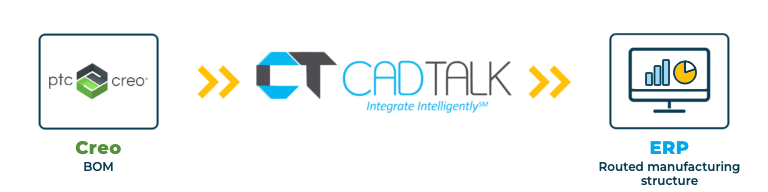
Go from Creo to a complete manufacturing structure 5x faster.
Intelligent, bi-directional automation that turns your Creo BOMs into the items, BOMs, and routings your ERP builds from, with operations and run hours included.
Integrate Your CAD
System With SYSPRO
Go from engineering to manufacturing 5x faster!
PTC Creo integration
CADTALK ERP is an off-the-shelf, bi-directional integration between PTC Creo and your ERP. It reads the Creo BOM as the baseline product structure and transforms it into manufacturing-ready items, BOMs, and routings.
CADTALK builds the whole manufacturing structure, not just a copy of the BOM. Your rules can create routing operations, calculate run and labor hours, add notes, and place each material at the operation where it's consumed. Engineers review the result against the live ERP, with change review and effectivity dates, before anything is written.
If your Creo data lives in Windchill, CADTALK reads it there. See the Windchill PDM and Windchill PLM pages (links once live).
Key PTC Creo integration features

Why getting Creo and your ERP talking pays off
Creo assemblies are often deep and complex. Turning them into a routed manufacturing structure by hand means entering operations, run hours, and material placement line by line, and that's where the hours go.
Automation, not just a data copy
Rules build the operations and run hours, so planners review a finished structure instead of building it.
Materials where production uses them
Each material lands at its operation, so the ERP knows when it's needed, not just that it's needed.
Built for engineer-to-order
CADTALK copies the Creo BOM into the project-linked job and keeps it updated while engineering finishes.
How CADTALK works with PTC Creo
Step 1: Read
CADTALK reads the Creo BOM, with phantom parts, as the baseline structure. From there, rules build operations, run hours, and material placement, and you compare against the live ERP before anything is written.
Steps 2 to 4:
Frequently Asked Questions
Frequently Asked Questions
Yes. The rules engine places each material at the operation it's consumed at, creates the operations, and calculates run hours as it builds the structure.
Yes. CADTALK copies the Creo BOM into the project-linked job and updates that job BOM. Standard and template BOMs work too.
CADTALK reads it from Windchill. See the Windchill pages for how that works.
More questions about CADTALK in general? See the Integration Hub FAQ.
Still building routings by hand from Creo BOMs?
Book 30 minutes with a CADTALK solutions engineer. Talk to an expert.
