
Integrate SOLIDWORKS PDM with your ERP
Go from PDM release to manufacturing 5x faster.
Intelligent, bi-directional automation that turns the BOMs your engineers release in SOLIDWORKS PDM into the items, BOMs, and routings your ERP builds from.
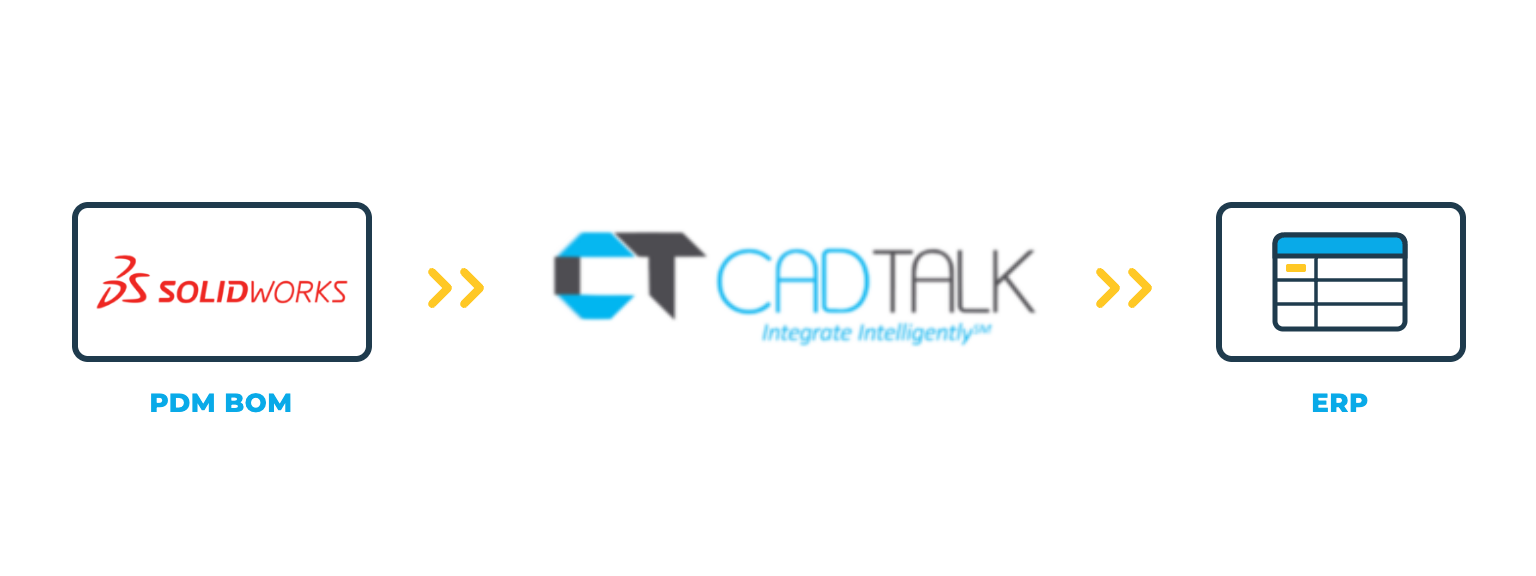
SOLIDWORKS PDM integration
CADTALK ERP is an off-the-shelf, bi-directional integration between SOLIDWORKS PDM and your ERP. It reads the checked-in BOM and data card from the vault and transforms the engineering BOM into manufacturing-ready items, BOMs, and routings.
Your PDM workflow stays in charge. Transfers can wait for the state you choose, such as Released, and CADTALK maps the data card variables your team already uses, so nobody renames a field. Engineers stay in SOLIDWORKS and PDM, and never have to work in the ERP.
Key SOLIDWORKS PDM integration features

Why getting SOLIDWORKS PDM and your ERP talking pays off
The PDM vault holds what engineering designed and released. The ERP holds the product record production runs on. Between the two, someone opens the BOM, reads off part numbers, descriptions, and quantities, and re-keys them.
Your workflow, enforced
Only what reaches the release state you choose goes to the ERP, and the transfer can run the moment it gets there.
Your data card, as it is
CADTALK maps the variables your team already fills in, so rollout doesn't start with a data card redesign.
Change that reaches the floor
When a revised assembly reaches its release state, CADTALK identifies the delta and merges it into the ERP.
How CADTALK works with SOLIDWORKS PDM
Step 1: Read
CADTALK reads the checked-in BOM view and data card from the vault. Part numbers, descriptions, quantities, configurations, revision levels, and custom properties come across as engineering defined them. The transfer can be triggered by hand, or by the PDM workflow transition itself.
Steps 2-4
Frequently Asked Questions
No. Engineers stay in SOLIDWORKS and PDM. CADTALK carries the data into the ERP, and ERP permissions control what happens there.
Yes. CADTALK can be gated to the PDM workflow state you choose, so only released data reaches the ERP. It can also run automatically when a file transitions into that state.
No. CADTALK maps the data card variables and custom properties your team already uses to ERP fields.
Yes. CADTALK reserves the next number in the ERP from inside SOLIDWORKS before the item exists, so design continues with the real number.
Often, yes. When reading from PDM, CADTALK uses the checked-in BOM, so the drawing's BOM table needs to show in the PDM BOM view. Your solutions engineer confirms it against your setup.
Yes. CADTALK reads SOLIDWORKS configurations. Products with many or complex configurations get scoped for advanced configuration handling up front.
No. CADTALK can start at the SOLIDWORKS file level now and move to the PDM workflow model once PDM is live. See the SOLIDWORKS page (link once live).
More questions about CADTALK in general? See the Integration Hub FAQ.
Still re-keying released BOMs from PDM into your ERP?
Book 30 minutes with a CADTALK solutions engineer. Talk to an expert.
