
Integrate Altium with your ERP
Get PCB BOMs from Altium into your ERP 5x faster.
Intelligent automation that turns your Altium BOM reports into the items and BOMs your ERP builds from, alongside the mechanical design of the product.
Integrate Your CAD
System With SYSPRO
Go from engineering to manufacturing 5x faster!
Altium integration
CADTALK ERP is an off-the-shelf integration between Altium and your ERP. It reads your Altium BOM reports and transforms them into manufacturing-ready items and BOMs.
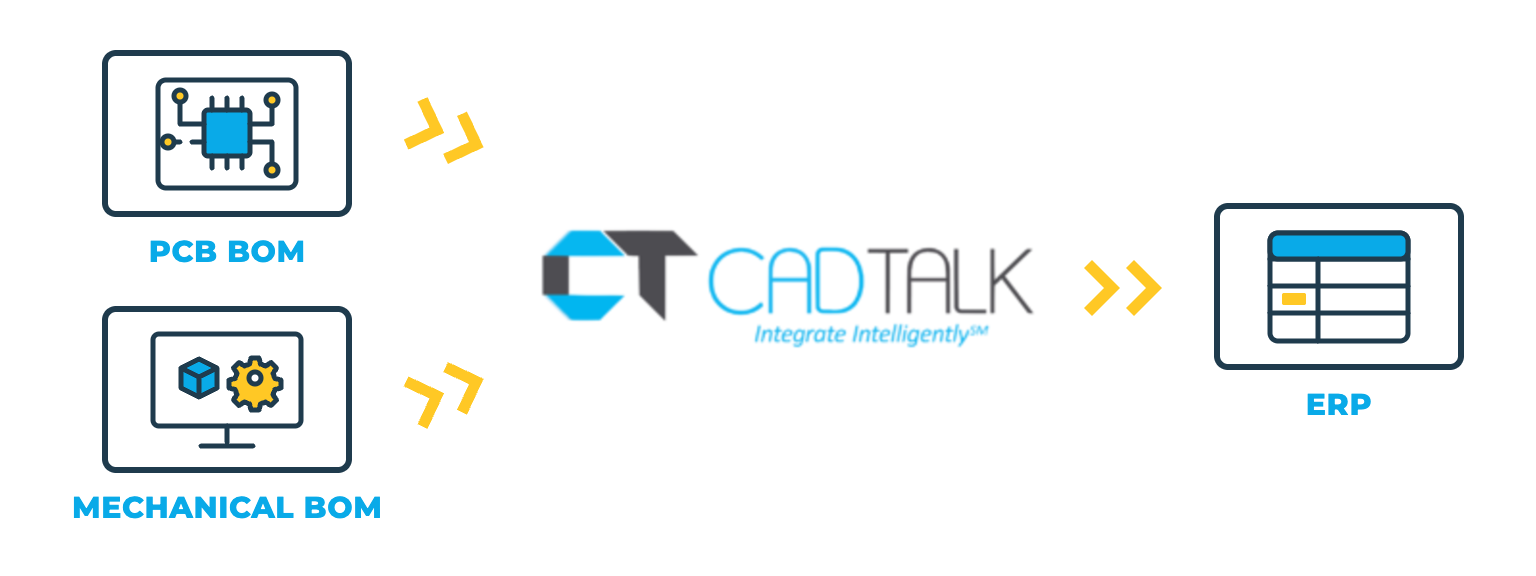
Electronics products have a board and an enclosure, designed in different tools. CADTALK reads the PCB BOM from Altium and the mechanical BOM from your 3D CAD in the same integration, so the whole product lands in the ERP as one structure. Rules match manufacturer part numbers to ERP items, handle reference designators the way your ERP expects, and roll up quantities.
Key Altium integration features

Why getting Altium and your ERP talking pays off
A PCB BOM can run to hundreds of lines of near-identical part numbers. Keying it into the ERP is slow and error-prone, and one wrong digit means the wrong component on the board.
One product record for the whole product
Board and enclosure land together, so purchasing and production see the complete build.
The right components on the purchase order
Rules match manufacturer part numbers to ERP items, so purchasing buys exactly what the board calls for.
How CADTALK works with Altium
Step 1: Read
A PCB BOM can run to hundreds of lines of near-identical part numbers. Keying it into the ERP is slow and error-prone, and one wrong digit means the wrong component on the board.
One product record for the whole product
Board and enclosure land together, so purchasing and production see the complete build.
The right components on the purchase order
Rules match manufacturer part numbers to ERP items, so purchasing buys exactly what the board calls for.
Steps 2-4:
Frequently Asked Questions
Through Altium's BOM reports. Your solutions engineer helps set up the report CADTALK reads.
Yes. Altium and your mechanical CAD feed the same ERP in one integration, and your rules decide how the two come together.
More questions about CADTALK in general? See the Integration Hub FAQ.
Still keying PCB BOMs into your ERP?
Book 30 minutes with a CADTALK solutions engineer. Talk to an expert.