
Integrate Autodesk Vault with your ERP
Go from Vault release to manufacturing 5x faster.
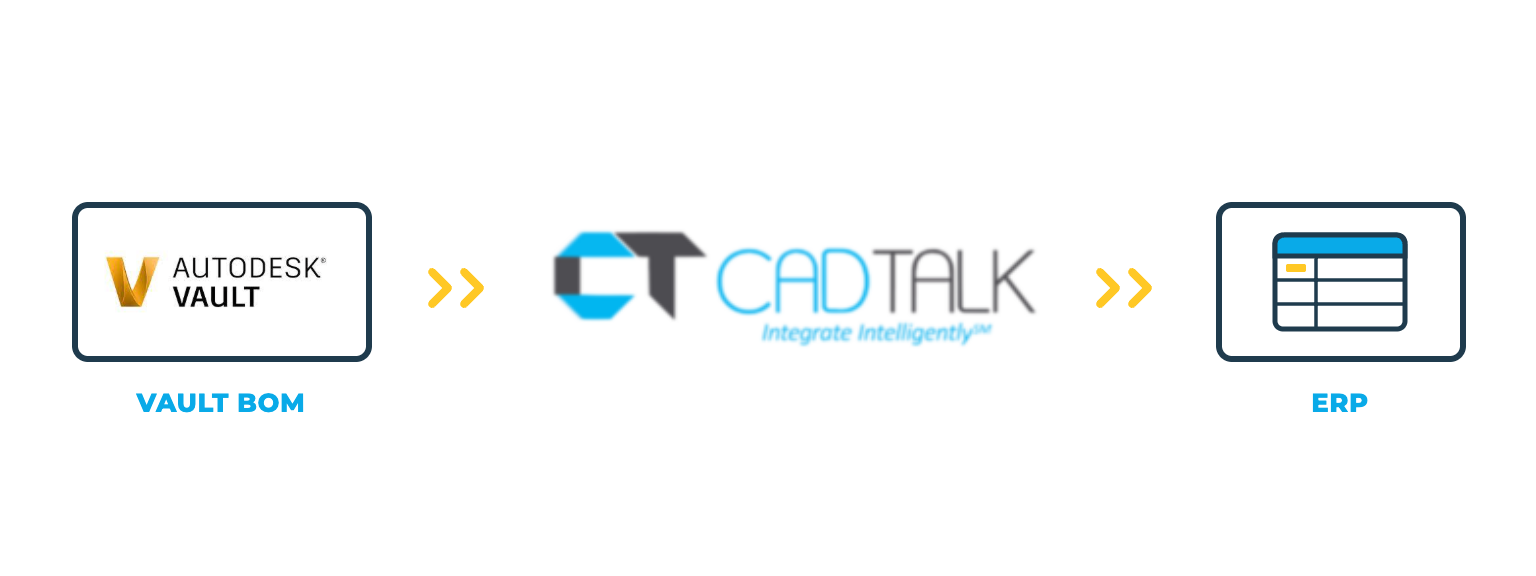
Intelligent, bi-directional automation that turns the Inventor BOMs your engineers release in Vault into the items, BOMs, and routings your ERP builds from.
Integrate Your CAD
System With SYSPRO
Go from engineering to manufacturing 5x faster!
Autodesk Vault integration
CADTALK ERP is an off-the-shelf, bi-directional integration between Autodesk Vault and your ERP. It reads Inventor assemblies and their iProperties from Vault and transforms the engineering BOM into manufacturing-ready items, BOMs, and routings.
Vault stays in charge of release. CADTALK can run from a button on the Inventor ribbon, or hands-off through the Vault Job Processor when a file moves through a lifecycle transition. It honors phantom and reference flags straight from Vault, so the BOM that reaches the ERP reflects how engineering built the model.
Key Autodesk Vault integration features

Why getting Vault and your ERP talking pays off
Vault holds what engineering designed and released. The ERP holds the product record production runs on. Between the two, someone opens the BOM, reads off part numbers, descriptions, and quantities, and re-keys them.
Hands-off when you want it
The Vault Job Processor runs transfers on a lifecycle transition, so release in Vault is the only step anyone takes.
The model's intent, kept
Phantom and reference flags come straight from Vault, and your rules decide how each one lands in the ERP.
Change that reaches the floor
When a revised assembly goes through its lifecycle transition, CADTALK identifies the delta and merges it into the ERP.
How CADTALK works with Autodesk Vault
Step 1: Read
CADTALK reads the Inventor assembly and its iProperties from Vault, with phantom and reference flags intact. The transfer starts from the Inventor ribbon or from the Vault Job Processor on a lifecycle transition.
Steps 2-4:
Frequently Asked Questions
Yes. The Vault Job Processor can run the transfer automatically when a file goes through the lifecycle transition you choose.
Yes. CADTALK reads phantom and reference flags straight from Vault, and your rules decide how each one lands in the ERP.
Not necessarily. CADTALK has licensing options that don't use a Vault or CAD seat for people who only trigger transfers. Your solutions engineer confirms the right setup.
Yes, with separate mapping for each. CADTALK rolls out site by site, and a spreadsheet import can get systems talking when a site that isn't ready for the full Vault flow yet.
Plan the move to CADTALK with the upgrade. The CADTALK add-in will feel familiar, and the migration keeps your product structure, routings, BOMs, and Vault sync. Your solutions engineer can walk through the timing.
More questions about CADTALK in general? See the Integration Hub FAQ.
Still re-keying released Inventor BOMs from Vault into your ERP?
Book 30 minutes with a CADTALK solutions engineer. Talk to an expert.
