
Integrate Revit and AutoCAD Architecture with your ERP
Get prefab and modular builds from design into production 5x faster.
Intelligent automation that turns the components in your Revit models and AutoCAD Architecture drawings into the items, BOMs, and routings your ERP builds from.
Integrate Your CAD
System With SYSPRO
Go from engineering to manufacturing 5x faster!
Revit and AutoCAD Architecture integration
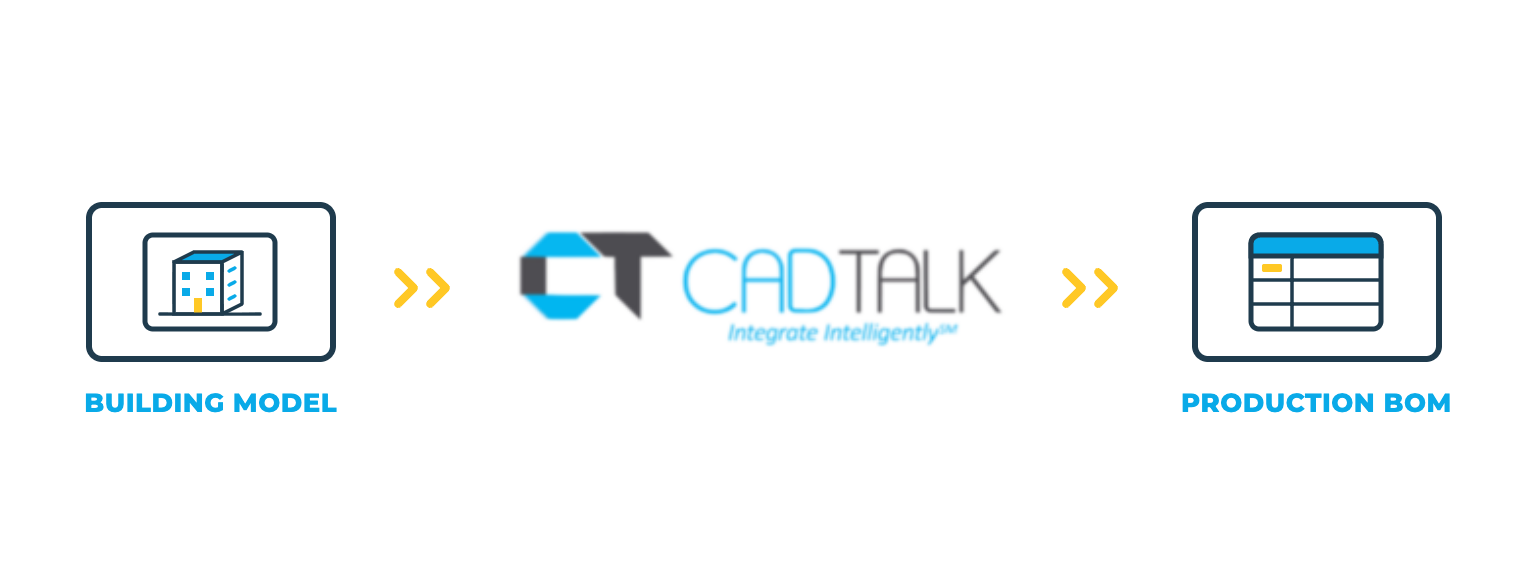
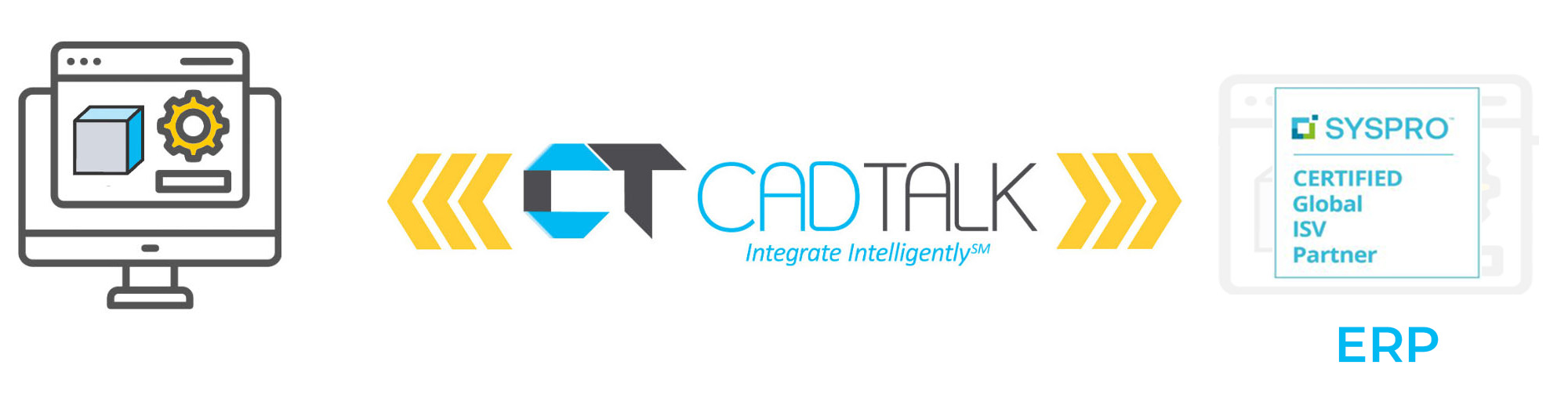
CADTALK ERP is an off-the-shelf integration between your building design tools and your ERP. It reads the components and parameters in your Revit models and AutoCAD Architecture drawings and transforms them into manufacturing-ready items, BOMs, and routings.
When you manufacture what Revit designs, from wall panels and modules to MEP assemblies and façade systems, the model has to become a shop-floor BOM. CADTALK does that step, so nobody rebuilds the building component by component in the ERP. It also reads Inventor in the same integration, for shops that detail fabricated parts there.
AutoCAD Architecture
Some prefab shops design in AutoCAD Architecture, or run it on some projects and Revit on others. CADTALK reads the component data from those drawings too, and each tool feeds the same ERP through the same rules.
Key integration features


Why getting your building designs and your ERP talking pays off
In prefab and modular work, every project is a new structure with hundreds of components. When someone takes them off the model and keys them into the ERP, the BOM is late, and small mistakes become wrong material on site.
One product record from design to factory
The ERP BOM matches the Revit model or the AutoCAD Architecture drawings. Purchasing, planning, and production work from the same structure the designers signed off on.
Design changes that reach the floor
When the model changes, CADTALK finds the delta and merges it into the ERP, so the factory builds the current design.
How CADTALK works with Revit and AutoCAD Architecture
Step 1: Read
CADTALK reads the components and parameters from your Revit model or AutoCAD Architecture drawings.
Steps 2-4:
Frequently Asked Questions
Yes. Each is scoped as its own source feeding the same ERP.
Yes. Each is scoped as its own source feeding the same ERP.
Yes. CADTALK is built for structures that change project to project, and your solutions engineer scopes how project BOMs should land in your ERP.
More questions about CADTALK in general? See the Integration Hub FAQ.
Still taking prefab BOMs off models and drawings by hand?
Book 30 minutes with a CADTALK solutions engineer. Talk to an expert.
