
Integrate Tekla with your ERP
Get steel and precast from Tekla into production 5x faster.
Intelligent automation that turns your Tekla Reports into the items, BOMs, and routings your fabrication shop builds from.
Integrate Your CAD
System With SYSPRO
Go from engineering to manufacturing 5x faster!
Tekla integration
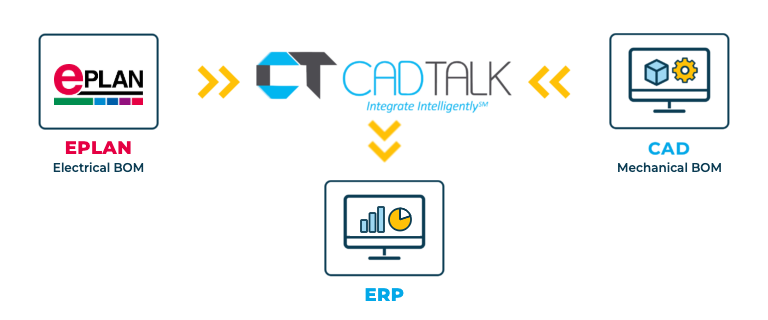
CADTALK ERP is an off-the-shelf integration between Tekla and your ERP. It reads your Tekla Reports and transforms them into manufacturing-ready items, BOMs, and routings.
For steel fabricators and precast producers, every project is a long list of members, plates, connections, and assemblies. Tekla already reports it. CADTALK takes those reports straight into the ERP, so nobody rebuilds the job line by line. Rules group members into assemblies, assign stock material, convert units, and add fabrication operations.
Key Tekla integration features

Why getting Tekla and your ERP talking pays off
Structural projects are big and they change. Keying a report into the ERP takes hours, and doing it again after every revision is how the shop ends up cutting from an old version.
One product record from model to shop
The ERP job matches the Tekla model, so the shop fabricates the current design.
Revisions without rework
When the model changes, CADTALK finds the delta in the new report and merges only the changes.
How CADTALK works with Tekla
Step 1: Read
CADTALK reads the Tekla Report for the project.
Steps 2 to 4:
Frequently Asked Questions
Frequently Asked Questions
Through Tekla Reports. Your solutions engineer helps set up the report CADTALK reads.
Yes. CADTALK reads Tekla Reports for both, and your rules shape the ERP structure for how your plant builds.
More questions about CADTALK in general? See the Integration Hub FAQ.
Still keying Tekla reports into your ERP?
Book 30 minutes with a CADTALK solutions engineer. Talk to an expert.
