Integrate your CAD system with INFOR CLOUDSUITE

Transform your CAD data into production-ready BOMs in seconds
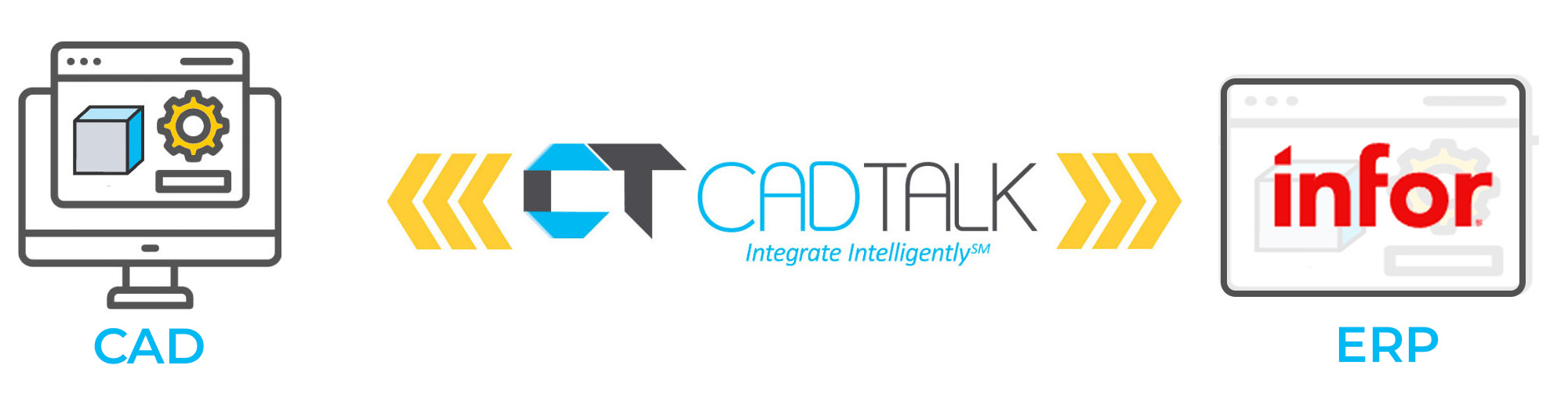
Infor CloudSuite integration

CADTALK delivers a purpose-built integration between your CAD, PDM, or PLM systems and Infor CloudSuite ERP: transforming engineering data into fully validated, production-ready records with unmatched speed and accuracy.

CADTALK intelligently maps and configures your data to fit the exact structure, logic, and custom fields of your CloudSuite environment. Whether you're using Infor CSI (SyteLine), CloudSuite Automotive, or another Infor solution, CADTALK ensures complete alignment between engineering and manufacturing operations.

Key CloudSuite integration features
  • Automatic creation and update of items, routings, and multi-level manufacturing BOMs
  • Support for custom fields and validations defined in your ERP
  • Real-time communication with Infor to verify existing parts, pull dropdown options, and enforce required fields (e.g., product codes)
  • Smart logic engine infers assembly operations, merges subassemblies, and applies configuration rules (no scripting required)
  • Direct image transfer from CAD models into part records in Infor (optional)
  • Change tracking and error validation built-in before saving to ERP
  • Supports large assemblies, including projects with hundreds or thousands of parts
Infor CloudSuite Industrial logo

Frequently asked questions

  • How does CADTALK ERP handle revisions in Infor CSI/SyteLine?
    CADTALK compares revisions in CAD/PDM/PLM with Infor CSI/SyteLine revision field and merges the necessary changes.
  • Does CADTALK ERP support uploading documents like images and PDF drawings to Infor CSI/SyteLine?
    CADTALK supports uploading images and documents to Infor CSI/SyteLine both manually and automatically through the intelligence engine.
  • What fields does CADTALK ERP support in Infor CSI/Syteline?
    CADTALK supports every field on Infor CSI/SyteLine items, current materials, and current operations, including UETs, and sub collections like vendor contracts, items prices and many more.
  • Who uses CADTALK ERP?
    Anyone who manages parts and structures in Infor CSI/SyteLine can use CADTALK ERP

  • Can CADTALK ERP add parts to the product structure that are not in the CAD/PDM/PLM system?
    Yes, users can use the CADTALK intelligence engine and the interface to search Infor CSI/SyteLine and add non-CAD parts to the bill of material. 
  • Start fast: Fixed-scope implementation, with items and BOMs mapped from a proven starting template.
  • Adapt: The rules engine handles your part numbering and validation, with no custom IDO or SQL code.
  • Grow: Add CAD sources and ERP sites as the business expands.
  • Stay current: Engineering changes reach CloudSuite Industrial without re-keying, so production builds from current BOMs.
Engineering data in CloudSuite Industrial, every release
  • Creates and updates items and item masters
  • Builds and updates current multi-level BOMs
  • Creates and maintains routings and operations
  • Creates and updates engineering change notices
  • Leaves open job BOMs exactly as production left them
Rules that fit how you run CloudSuite Industrial
  • Compares revisions and writes only what changed
  • Validates each line before it saves
  • Reads CloudSuite Industrial costing and item data for lookups
  • Writes through CloudSuite Industrial’s published APIs, with no custom IDO or SQL code
  • Works with SolidWorks, Inventor, Creo, Solid Edge, AutoCAD, SolidWorks PDM, Vault, Windchill and Teamcenter

What CADTALK customers are saying

CADTALK platform makes for happier customers.

CADTALK’s bi-directional capability helps to automate part number creation for new items and ensure existing items are assigned the correct part number. The CADTALK platform reduces manufacturing lead time, improves inventory accuracy, and makes for happier customers.

Nick Knight
President, ASWi

We were able to get through it within a couple of weeks

Your team worked very quickly to get us access to those custom fields and get them set up. We were able to get through it within a couple of weeks. It was pretty fast! That was cool to find out in that moment, yes, we did choose to work with the right people on this process.

Bryce Ludwig
Milbank Manufacturing

The initial reaction was how easy CADTALK was to use

The initial reaction was how easy [CADTALK] was to use. How easy it was just to load in a drawing… Very few settings when you’re uploading something because you can configure it so that it works out what it needs to be and does all the correct combinations.


Ben Johnson
Sands Agricultural Machinery

Contact Us • 833-422-3825 • Copyright 2021 CADTALK Software • Privacy Policy