
Integrate AutoCAD and DraftSight with your ERP
Get BOMs out of your 2D drawings and into your ERP 5x faster.
Intelligent automation that turns the BOM tables, parts lists, and block attributes in your AutoCAD, AutoCAD Mechanical, and DraftSight drawings into the items, BOMs, and routings your ERP builds from.
Integrate Your CAD
System With SYSPRO
Go from engineering to manufacturing 5x faster!
2D CAD integration
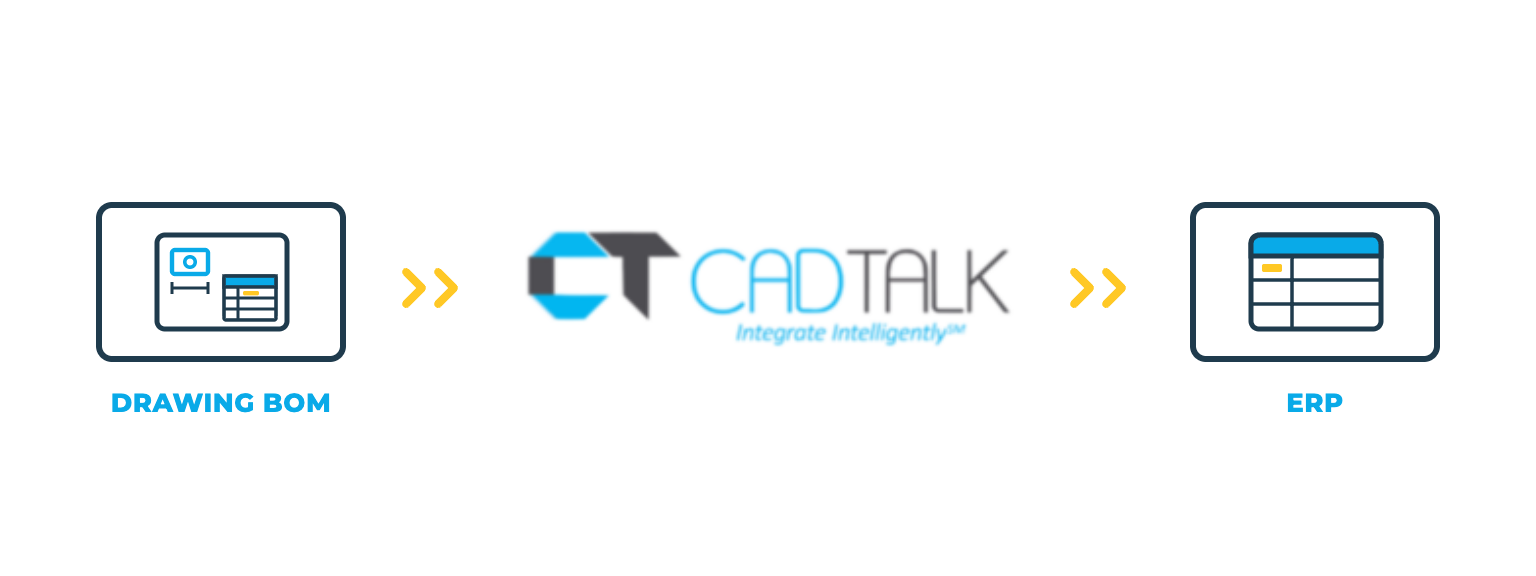
CADTALK ERP is an off-the-shelf integration between your 2D CAD system and your ERP. It reads the BOM data in your drawings and creates the top-level BOM and master parts in the ERP.
Plenty of manufacturers still run on 2D, and their BOMs live in drawing tables. CADTALK reads them where they are, so nobody re-keys a drawing into the ERP. Rules add routing operations and work centers based on material type, dimensions, or part type.
AutoCAD
CADTALK reads the BOM tables and block attributes in your DWG files.
AutoCAD Mechanical
AutoCAD Mechanical drawings already carry structured parts lists. CADTALK reads the parts lists and attributes as they are.
DraftSight
DraftSight shops get the same treatment: CADTALK reads the BOM data in the drawing, and DraftSight can run next to SOLIDWORKS in the same integration.
Key 2D CAD integration features


Why getting 2D CAD and your ERP talking pays off
A BOM table or parts list on a drawing is already structured data. Re-typing it into the ERP is slow, and every typo becomes a wrong part on a purchase order.
Routings without the extra step
Rules build routing operations from the data on the drawing, so planners aren't adding them by hand after the BOM lands.
One integration for 2D and 3D
Shops that run AutoCAD, AutoCAD Mechanical, or DraftSight next to SOLIDWORKS or Inventor send every source through the same rules into the same ERP.
How CADTALK works with AutoCAD
Step 1: Read
CADTALK reads the BOM table, parts list, and block attributes from the drawing.
Steps 2 to 4:
Frequently Asked Questions
Frequently Asked Questions
Yes. CADTALK reads BOM tables and block attributes directly from the drawing.
Yes. Both are supported. CADTALK reads AutoCAD Mechanical parts lists and DraftSight BOM data the same way it reads AutoCAD drawings.
Yes. Each CAD source feeds the same ERP through the same rules. Part numbering across sources gets settled in discovery.
More questions about CADTALK in general? See the Integration Hub FAQ.
Still re-typing drawing BOMs into your ERP?
Book 30 minutes with a CADTALK solutions engineer. Talk to an expert.
