Integrate your CAD
system with Microsoft Dynamics (Finance)

Go from engineering to manufacturing 5x faster!
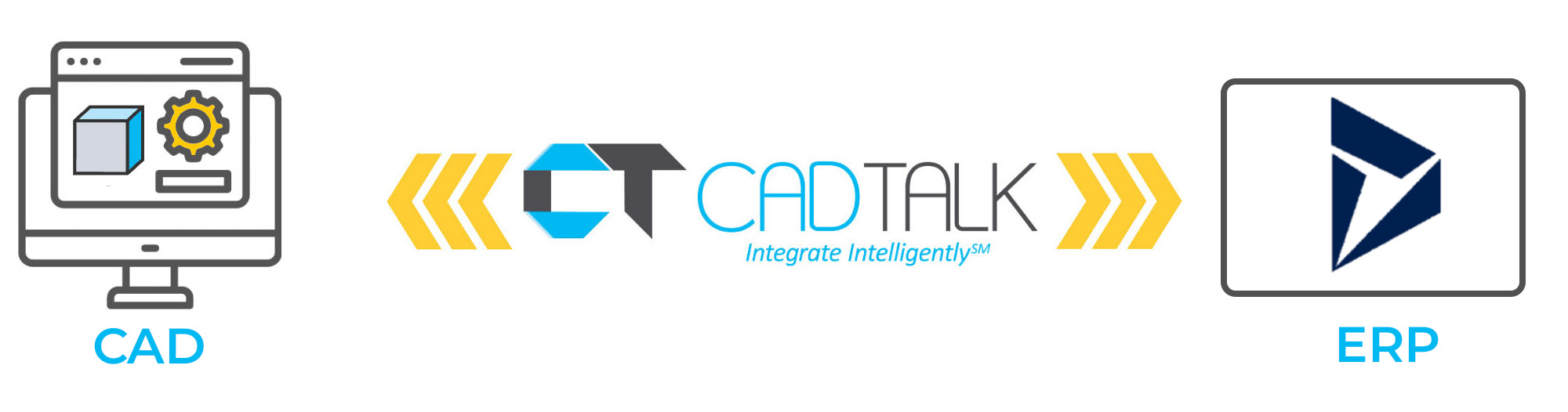
  • Creates and updates released products and multi-level BOMs, with routings where you need them
  • Maps your custom fields and checks required ones, such as product codes, before anything saves
  • Compares revisions and writes only what changed
  • Merges subassemblies and infers assembly operations through the rules engine, with no scripting
  • Attaches PDF and STEP files from the CAD model to items
  • Reserves product and item numbers from inside the design workflow
  • Handles assemblies with thousands of parts

Frequently asked questions

  • How does CADTALK ERP handle revisions in Microsoft Dynamics Finance and Operations?
    CADTALK compares revisions in CAD/PDM/PLM with MS Dynamics Finance and Operations, creates a new version, and merges the necessary changes.
  • What fields does CADTALK ERP support in Microsoft Dynamics Finance?
    CADTALK supports every field on Microsoft Dynamics Finance Items, Product BOMs, and Routings.
  • Can CADTALK ERP add parts to the Microsoft Dynamics Finance Product Structure that are not in the CAD/PDM/PLM system?
    Yes, users can use the CADTALK intelligence engine and the interface to search Microsoft Dynamics Finance and add non-CAD parts to the bill of material.
  • Does CADTALK require a CAD license?
    No, CADTALK can read most CAD files without a CAD license
  • Who uses CADTALK?
    Anyone who manages Items, Production BOMs, and routings in Microsoft Dynamics Finance.
  • Does CADTALK support on-premises installation of MS Dynamics Finance?
    Yes, CADTALK supports both cloud and on-premises installations.


  • Start fast: Implementation begins with items and BOMs, then adds routings and rules when you’re ready.
  • Adapt: Every line is validated against Finance and Operations rules before save, with no custom data entities or X++ to maintain.
  • Grow: Add CAD sources and ERP sites as the business expands.
  • Stay current: Engineering changes reach Finance and Operations without re-keying, so production builds from current BOMs.

Built for Microsoft Dynamics 365 Finance and Operations

Engineering data in Finance and Operations, every release

  • Creates and updates released products
  • Builds BOM headers and lines, with routings where you need them
  • Attaches PDF and STEP files to items
  • Reserves product and item numbers from inside the design workflow
  • Reads cost and on-hand back by revision

Rules that fit how you run Finance and Operations

  • Compares revisions and writes only what changed
  • Validates every line against Finance and Operations rules before save
  • Applies site-specific rules across multiple sites
  • Writes through published APIs, with no custom data entities or X++ to maintain
  • Works with SolidWorks, Inventor, Creo, Solid Edge, EPLAN, SolidWorks PDM, Vault, Windchill, Teamcenter, Arena and Enovia 3DX

What CADTALK customers are saying

CADTALK platform makes for happier customers.

CADTALK’s bi-directional capability helps to automate part number creation for new items and ensure existing items are assigned the correct part number. The CADTALK platform reduces manufacturing lead time, improves inventory accuracy, and makes for happier customers.

Nick Knight
President, ASWi

We were able to get through it within a couple of weeks

Your team worked very quickly to get us access to those custom fields and get them set up. We were able to get through it within a couple of weeks. It was pretty fast! That was cool to find out in that moment, yes, we did choose to work with the right people on this process.

Bryce Ludwig
Milbank Manufacturing

The initial reaction was how easy CADTALK was to use

The initial reaction was how easy [CADTALK] was to use. How easy it was just to load in a drawing… Very few settings when you’re uploading something because you can configure it so that it works out what it needs to be and does all the correct combinations.


Ben Johnson
Sands Agricultural Machinery

Contact Us • 833-422-3825 • Copyright 2021 CADTALK Software • Privacy Policy