Integrate Your CAD Systems with Arena PLM
Bridge the gap between design and product lifecycle management with intelligent, bi-directional CAD-to-Arena automation.

Integrate Your CAD
System With SYSPRO
Go from engineering to manufacturing 5x faster!
Arena PLM Integration
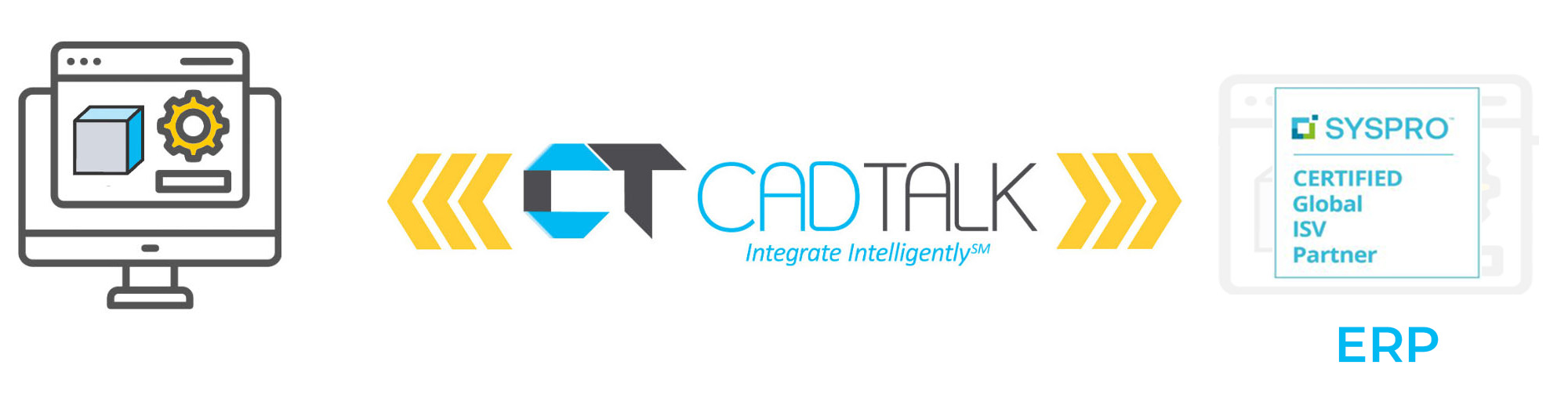
CADTALK PLM delivers a purpose-built, bi-directional integration between your CAD and PDM systems and Arena PLM—transforming engineering design data into fully validated Arena items, bills of materials, and attachments with unmatched speed and accuracy.
Unlike a basic import or mapping utility, CADTALK PLM intelligently reads data from any CAD and PDM application, converting the engineering bill of materials (eBOM) into Arena-ready items and BOMs.
Our expression-based, low-code configurable intelligence gives you the power to integrate your systems in hours and days—not months and years.
As an always-current partner with Arena by PTC, CADTALK PLM supports every aspect of the product record from items and BOMs to attachments, vendors, and manufacturers—ensuring a complete, accurate product record every time.
Key Arena PLM Integration Features
Why Connecting CAD to Arena PLM Changes Everything
CAD-to-PLM integration solves a fundamentally different problem than CAD-to-ERP. While ERP integration focuses on manufacturing execution, connecting your CAD system to Arena PLM ensures your entire product record—from initial design through compliance and supply chain—is accurate, complete, and always current.
The Problem Without Integration
Engineering teams create and revise designs in CAD, then manually re-enter that same data into Arena PLM—item numbers, descriptions, BOMs, revision levels, and file attachments. This dual-entry process costs time, introduces errors, and creates disconnects between what engineering designed and what the rest of the organization sees.
When a $1.00 BOM mistake can cost up to 100x more by the time it reaches the customer, and when engineering services are billed at $130 per hour, manual processes aren’t just inefficient—they’re expensive.
Three Pillars of CAD-to-PLM Value
Single Source of Truth
Every item, BOM, and revision in Arena reflects exactly what engineering designed in CAD. No version mismatches. No outdated BOMs floating through the supply chain. Your entire organization—operations, procurement, quality, and manufacturing—works from the same, most current product record.
Accelerated New Product Introduction (NPI)
Automating the design-to-PLM handoff removes the bottleneck between engineering completing a design and the rest of the organization acting on it. Products move from prototype through NPI and into production faster, giving you a competitive edge in time-to-market.
Engineer Satisfaction and Retention
Engineers want to design, not enter data. By eliminating repetitive data entry, your team spends more time on innovation, product development, and high-value engineering work. The result is greater job satisfaction, reduced burnout, and lower turnover.
How CADTALK PLM Works with Arena
Step 1: Read
CADTALK reads your CAD assembly and extracts engineering BOM data—part numbers, descriptions, quantities, materials, revision levels, and file references—directly from SOLIDWORKS, Inventor, Creo, Solid Edge, AutoCAD, or any supported CAD/PDM system.
Step 2: Transform
The CADTALK intelligence engine applies your configured rules to transform engineering data into Arena-ready information. Automate category assignments, lifecycle phase mappings, custom field population, unit of measure conversions, and more—all without writing a single line of code.
Step 3: Publish
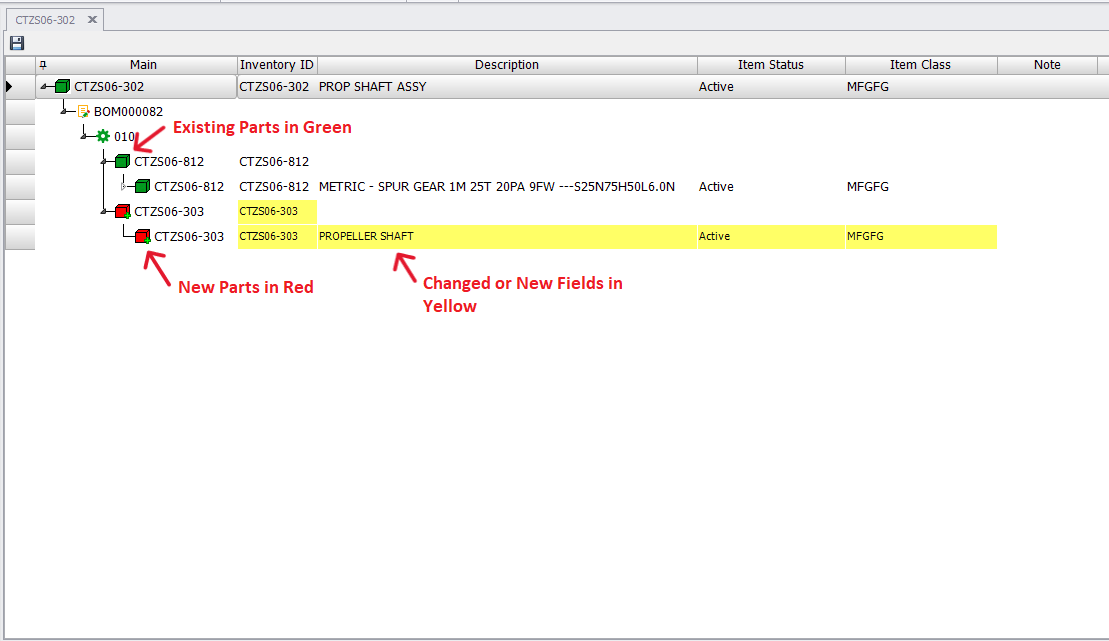
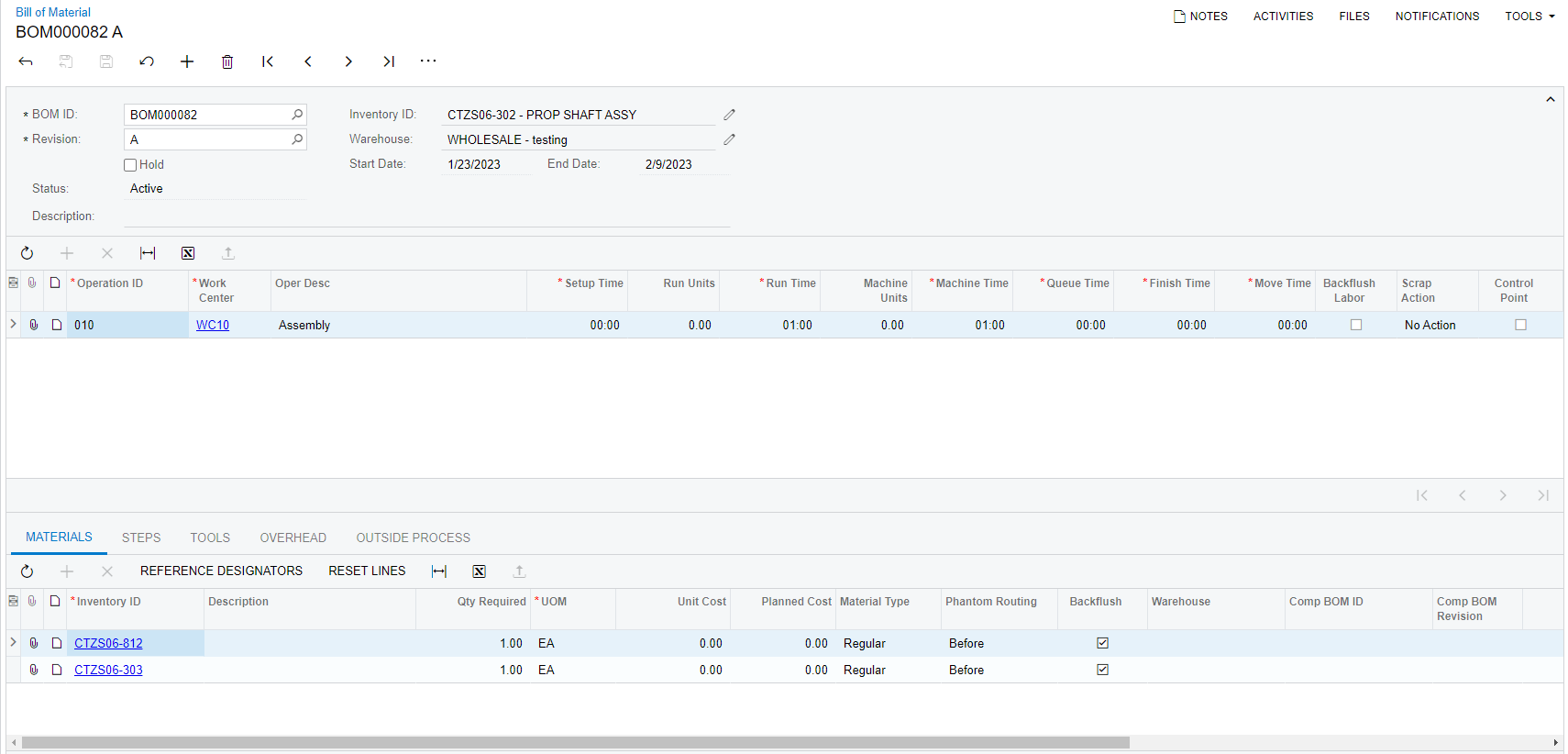
With one click, CADTALK creates or updates Arena items, builds the complete bill of materials, and uploads derived files (PDFs, STEP, thumbnails) as attachments. Color-coded indicators confirm what’s new, what’s changed, and what already exists in Arena.
Step 4: Continue in Arena
The CADTALK intelligence engine applies your configured rules to transform engineering data into Arena-ready information. Automate category assignments, lifecycle phase mappings, custom field population, unit of measure conversions, and more—all without writing a single line of code.
Frequently Asked Questions
Get from Design to Product Record Faster
Complete Arena PLM Integration Capabilities
BEYOND BASIC IMPORTS
CADTALK PLM is much more than an import and mapping utility. Our solution provides standardized, in-depth integrations with expression-based, low-code, configurable intelligence.
INTELLIGENT DATA TRANSFORMATION
Our Smart Configuration Engine adapts to your unique business needs with customizable data transformation rules that evolve with your processes.
Frequently Asked Questions
Yes. CADTALK PLM supports uploading images, PDFs, STEP files, and other derived documents to Arena PLM both manually and automatically through the intelligence engine.
CADTALK PLM supports all fields in the Arena item and BOM, including custom fields and attachments.
Yes. Users can search Arena PLM directly from the CADTALK interface and add non-CAD parts—such as purchased components, hardware, and consumables—to the bill of materials.
No. CADTALK can read most CAD files without a CAD license installed.
Anyone who manages items and bills of materials in Arena PLM can use CADTALK PLM—design engineers, manufacturing engineers, BOM managers, and NPI teams.
CADTALK PLM updates the working revision in Arena. From there, your ECO/ECN process continues as it normally does in Arena. CADTALK does not bypass Arena’s change control—it feeds into it.
Yes. CADTALK is a middleware automation layer that integrates multiple CAD systems with Arena. If your engineering teams use different tools across sites or disciplines, CADTALK connects them all to a single Arena instance.
Most implementations are completed within a few weeks. CADTALK is a configured product—not a custom development project—so deployment is fast and predictable with fixed-price implementation services.
Supporting Leading CAD Systems