Powerful Features Right Off the Shelf
SMART CONFIGURATION ENGINE
WHAT IS IT?
We don’t just copy data – we transform it. Our engine understands that CAD and ERP systems speak different languages, and it quickly translates between them.
HOW DOES IT HELP YOU?
We dramatically reduce the need for manual intervention. A manufacturing company with 1,000+ unique parts can configure automated rules for 90% of their common engineering scenarios.
VISUAL INTELLIGENCE INTERFACE
WHAT IS IT?
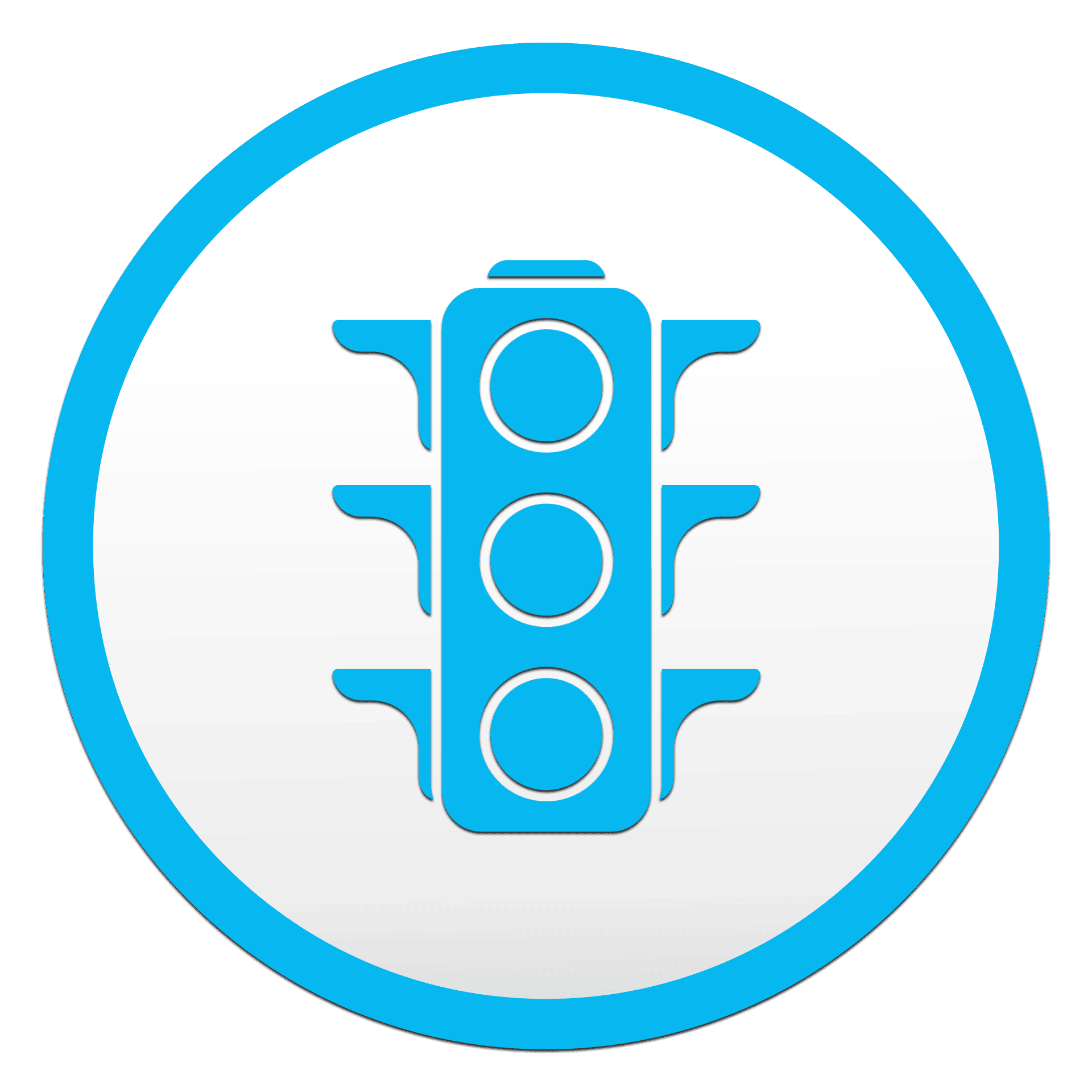
An intuitive color-coded system that utilizes red, yellow, and green indicators of the traffic light system to quickly communicate the status of data transformation.
HOW DOES IT HELP YOU?
There’s no need for the mundane task of comparing changes line by line. With just a quick glance you can identify new, modified, and unchanged items.
ADAPTIVE DEPLOYMENT OPTIONS
WHAT IS IT?
CADTALK utilizes three distinct modes to fit your needs: Standalone for manufacturing teams, CAD-integrated mode for design engineers, and Fully Automated mode.
HOW DOES IT HELP YOU?
Every business has unique workflows and requirements. This allows us to meet your specific needs, whether you’re a small team or a large enterprise. Plus, we grow as your grow.
CALCULATE THE CADTALK DIFFERENCE
How much money and time can intelligent CAD to ERP integration save your manufacturing business? See for yourself with our ROI calculator!
Immediate Benefits
ENHANCED DATA QUALITY
COMMON PROBLEM
Poor data quality is costly. A manufacturing error from incorrect data entry can cost tens of thousands of dollars in materials and labor.
OUR SOLUTION
CADTALK pulls data directly from your CAD system, keeping data consistent. We eliminate the human errors that inevitably creep in during manual data entry.
DRAMATIC TIME SAVINGS
COMMON PROBLEM
Manually transferring a bill of material for a simple part is doable, but what if it has dozens or even hundreds of components. An entire day’s worth of work is used up in one task.
OUR SOLUTION
Our speedy automation paired with our easy-to-read interface creates quite the team of efficiency. In the time it takes for you to make a pot of coffee, you can transform your data AND check your work.
OPERATIONAL EXCELLENCE
COMMON PROBLEM
Manual processes create bottlenecks in your system. Because of the bottlenecks you can’t get your product to market quickly. And that kills your revenue.
OUR SOLUTION
CADTALK can save hundreds of labor hours annually and unblock procedural bottlenecks. We accelerate your time-to-market and help you create a collaborative experience between your engineering and manufacturing teams.

CAD to ERP integration solution comparison guide
Is CADTALK right for your business? Walk through your four major options for integration so you can make an informed decision.
Short on time? Here's what you need to know:
 CADTALK delivers 80% faster lead time, backed by customer case studies.
QBuild’s CAD Link offers basic field mappings at an affordable price to a large number of ERPs, more complex integrations may be outside of product’s scope.
Custom integration avoids the expense of purchasing an integration software, but comes with the challenge of added time and maintenance internally
Manual entry is perfectly viable for companies releasing fewer than 50 new designs a year. Beyond this, manual entry is prohibitively time-consuming.
CAD to ERP integration solutions at a glance
CADTALK
The CADTALK smart configuration engine gets CAD systems talking to ERP systems. Certified by PTC, IFS, Acumatica, and numerous others as official partners. Proven 80%-time reduction in engineering handoffs.
QBuild's CAD Link
Works well for basic linking though limited by rigid architecture and manual data requirements. Read more.Custom integration
Bespoke development approach. Complete control at the risk of 5-10x higher costs, longer timelines, and ongoing maintenance challenges. Read more.
Manual entry
Human-powered data transfer. Only viable for low-volume manufacturers with simple BOMs and minimal design changes. No external software costs required, so would carry the lowest price tag. Read more.
Detailed feature comparison

In-depth solution analysis
CADTALK: smart configuration engine
Strengths
Potential drawbacks
Best for: Engineer-to-order manufacturers creating 100+ new designs monthly. Companies seeking long-term scalability, AI automation, and intelligent data transformation. Organizations wanting fastest ROI and minimal ongoing maintenance.
QBuild's CAD Link: direct field-to-field mapping
Strengths
Potential drawbacks
Best for: Companies with simple, single-level BOMs who don't mind adding manufacturing data to CAD models. Organizations with straightforward integration needs and limited budget for advanced features. Read more.
Custom integration: bespoke development approach
Strengths
Potential drawbacks
Best for: Large enterprises with unique requirements that can't be met by standard solutions, substantial IT resources, and budgets exceeding $200K+ for integration alone. Read more.
Manual data entry: human-powered process
Strengths
Potential drawbacks
Only viable for: Companies releasing fewer than 20 new products annually with very simple BOMs (under 25 parts). Not recommended for any engineer-to-order manufacturer or growth-oriented organization. Read more.
The CADTALK philosophy: why "Talking" beats "Linking"
Intelligent interpretation
CADTALK understands data. CADTALK's AI analyzes design features like holes, bends, and finishes to automatically determine manufacturing steps, eliminating the need for redundant data entry.
Dynamic transformation
Handle complex scenarios like one design becoming multiple manufacturing items, material substitutions, and assembly structures with intelligent business rules that adapt to your processes.
System optimization
Each system maintains only relevant data. CAD focuses on design, ERP on manufacturing: no cluttered interfaces or forced conformity between fundamentally different systems.
Future-ready architecture
Rules-based platform grows with your business. Implement improvements incrementally while maintaining flexibility for continuous optimization without system overhauls.
80% faster lead time
Standardized, proven integrations eliminate the manual engineering-to-manufacturing handoff, with typical ROI in 2 to 4 months.
Bi-directional communication
True conversation between systems enables ongoing dialogue, not just one-way data dumps. Changes flow intelligently between CAD and ERP as designs evolve.
CADTALK's journey to a philosophy that works
The traditional approach
Force CAD and ERP systems to speak the same language, creating rigid links that break under real-world complexity.
The CADTALK approach
Let each system excel at what it does best while providing intelligent translation between them. This creates a flexible, scalable foundation that grows with your business.Why it matters
Modern manufacturing demands sophistication. Engineer-to-order companies creating hundreds of designs monthly can't afford the limitations of basic linking or the costs of custom development.
CADTALK gets your systems talking with proven, AI-powered integration that delivers immediate results while preparing your organization for future growth.
Our recommendation: why CADTALK leads
After analyzing implementation data, customer feedback, and total cost of ownership, CADTALK consistently delivers the best combination of functionality, speed to value, and long-term scalability for engineer-to-order manufacturers.
CADTALK may not be the right fit for everyone, but CADTALK is well-positioned to provide the ROI and the outcomes your manufacturing business deserves and needs to move forward into growth and a bright future.
- Smartest technology: AI derives manufacturing data from design features
- Best ROI: ROI typically achieved in 2 to 4 months following implementation based on engineering hours recovered alone
- Strongest partnerships: Only solution certified by both PLM and ERP vendors
Frequently asked questions
General Integration Questions
You likely need integration if you're creating 50+ new designs annually, experiencing data entry errors between systems, or finding that manual BOM management is consuming significant engineering resources (manufacturing efficiency studies). Engineer-to-order manufacturers creating hundreds of designs monthly find integration essential for competitiveness.
"Linking" creates rigid field-to-field connections that require manufacturing data to be stored in CAD systems. "Talking" uses intelligent interpretation to derive manufacturing information from engineering data without cluttering CAD models. CADTALK's "talking" approach maintains data where it belongs while enabling sophisticated transformations.
This varies significantly by solution. CADTALK excels at multi-level assemblies with its AI-powered transformation engine. QBuild users report challenges with multi-level subassemblies, as noted in user forums: "it is very difficult to manage multiple level subassemblies." Custom solutions can handle complexity if properly designed, while manual entry becomes error-prone with complex structures.
CADTALK-Specific Questions
CADTALK implementations typically take 4-6 weeks to go live, compared to 6-8 weeks for basic linking solutions or 4-9+ months for custom development. The faster timeline is possible because CADTALK offers prebuilt, certified integrations rather than custom development.
In some more complex cases, CADTALK implementation may take longer. This is because of the time investment needed to ensure your specific business processes are set up for integration success upon implementation.
CADTALK customers typically achieve ROI in 2 to 4 months, based on engineering hours recovered alone. The combination of a faster engineering-to-manufacturing handoff, error reduction, and process automation adds up to lead time cut by 80%.
CADTALK supports more than 30 CAD, PDM, and PLM applications including Windchill, Teamcenter, SOLIDWORKS, and others. For ERP systems, CADTALK offers prebuilt integrations for IFS Cloud, SYSPRO, Acumatica, Infor CloudSuite Industrial, Microsoft Business Central, Oracle NetSuite, and more.
Alternative Solutions Questions
QBuild’s CAD Link can be suitable for companies with simple, single-level BOMs who don't mind adding manufacturing data to their CAD models and don't require complex data transformations. It offers a lower initial investment for basic field-mapping needs, though it lacks the AI capabilities and advanced automation of CADTALK.
Implementation & Business Questions
Focus on quantifiable benefits: lead time cut by 80%, error reduction costs, competitive advantage, and scalability for growth. CADTALK typically pays for itself in 2 to 4 months, based on engineering hours recovered alone.
Integration becomes more valuable as volume increases, but implementing early provides the foundation for scalable growth. Companies creating 50+ designs monthly typically see immediate benefits. Waiting often means accumulating inefficiencies and technical debt that become harder to address later.