
Integrate your CAD
system with SYSPRO
Go from engineering to manufacturing 5x faster!
SYSPRO integration
CADTALK ERP is a completely off-the-shelf, intelligent, bi-directional integration between your CAD, PDM, or PLM and SYSPRO ERP. CADTALK ERP reads data from any CAD, PDM, or PLM application transforming the engineering bill of materials (eBOM) into manufacturing bills of material (MBOM).
As a SYSPRO Global ISV Partner CADTALK ERP supports many areas in SYSPRO from stock codes, structures, and routings to Warehouses, Supplier Cross References and much more. The integration creates new and updates existing SYSPRO Stock Codes, structures and routings, while identifying and tracking all changes and revisions between engineering and manufacturing. All of this in an easy to use, intuitive interface without ever logging into SYSPRO Screens.


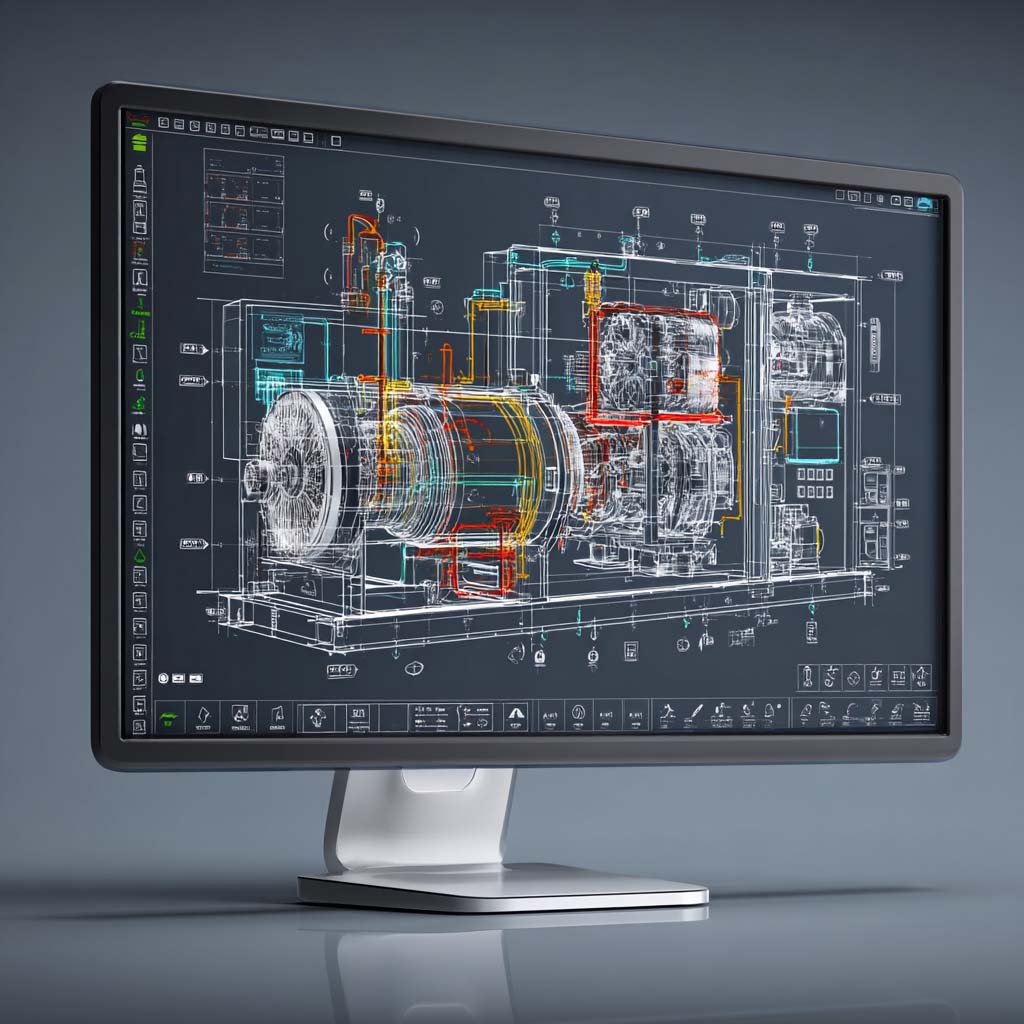
CADTALK writes released designs straight into SYSPRO as stock codes and multi-level BOMs, so no one re-keys them. Validation catches duplicate stock codes and wrong quantities before they reach SYSPRO, and production builds from current BOMs.
Calculate how much
CADTALK can save your business

Frequently asked questions
Yes CADTALK supports the ECC Control
CADTALK compares revisions in CAD/PDM/PLM with SYSPRO Version or release field and merges the necessary changes.
CADTALK supports uploading images and documents to SYSPRO both manually and automatically through the intelligence engine.
CADTALK supports every field on SYSPRO Stock Codes, Structures and Routings, including Custom form Fields, and other areas like Supplier Cross References, Warehouses, and Manufacturers.
Yes, users can use the CADTALK intelligence engine and the interface to search SYSPRO and add non-CAD parts to the bill of material.
More questions about CADTALK in general? See the Integration Hub FAQ.
Engineering data in SYSPRO, every release
Rules that fit how you run SYSPRO
What CADTALK customers are saying
CADTALK platform makes for happier customers.
CADTALK’s bi-directional capability helps to automate part number creation for new items and ensure existing items are assigned the correct part number. The CADTALK platform reduces manufacturing lead time, improves inventory accuracy, and makes for happier customers.
Nick Knight
President, ASWi
We were able to get through it within a couple of weeks
Your team worked very quickly to get us access to those custom fields and get them set up. We were able to get through it within a couple of weeks. It was pretty fast! That was cool to find out in that moment, yes, we did choose to work with the right people on this process.
Bryce Ludwig
Milbank Manufacturing
The initial reaction was how easy CADTALK was to use
Ben Johnson
Sands Agricultural Machinery
