
Integrate PTC Windchill PDM with your ERP
Go from the Windchill vault to manufacturing 5x faster.
Intelligent automation that turns the Creo assemblies your engineers check into Windchill into the items, BOMs, and routings your ERP builds from.
Integrate Your CAD
System With SYSPRO
Go from engineering to manufacturing 5x faster!
Windchill PDM integration
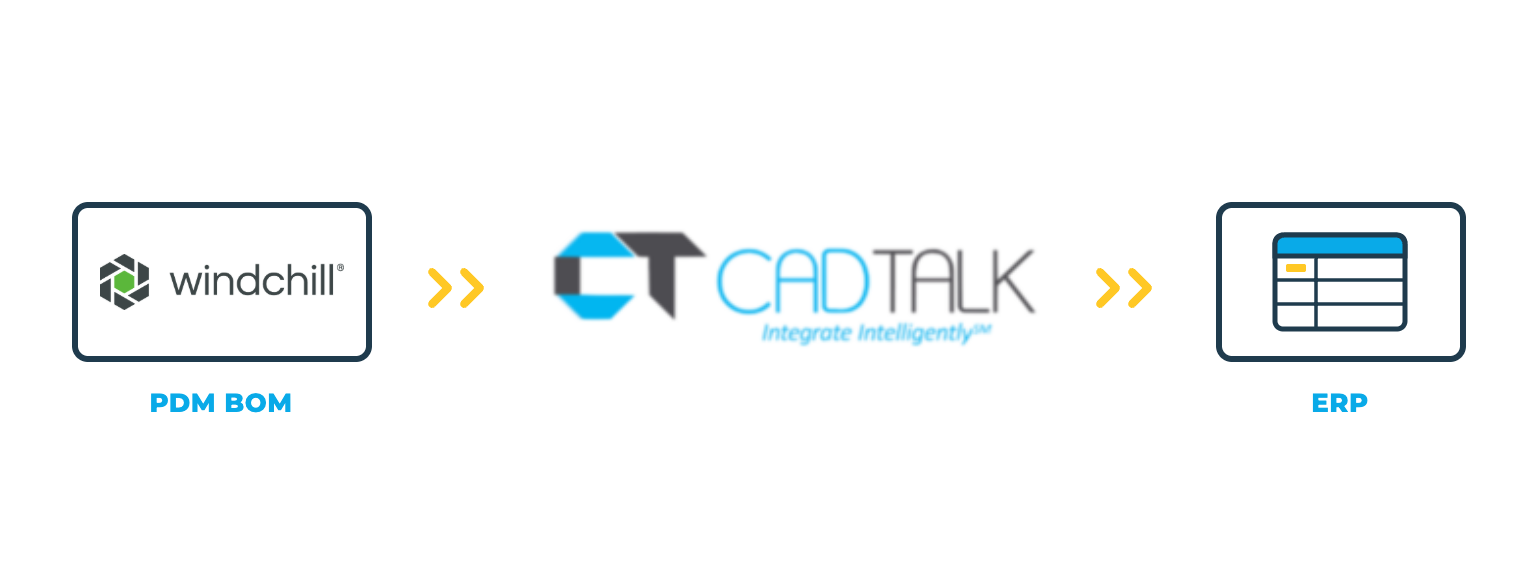
CADTALK ERP is an off-the-shelf integration between PTC Windchill PDM and your ERP. It reads the CAD assembly structures engineering checks into the Windchill vault and transforms that engineering BOM into manufacturing-ready items, BOMs, and routings.
CADTALK runs as a standalone application that pulls data straight from the Windchill server through Windchill REST Services. No Creo seat or CAD client is needed for BOM transfers, and nothing is custom-built on the Windchill platform. Engineers sign in with their Windchill credentials or through Microsoft Entra ID single sign-on.
Key Windchill PDM integration features


Why getting Windchill PDM and your ERP talking pays off
The Windchill vault holds the CAD data engineering checks in. The ERP holds the product record production runs on. Between the two, someone opens the assembly, reads off part numbers, descriptions, and quantities, and re-keys them.
No CAD seat tied up for transfers
BOMs come straight from the Windchill server, so nobody needs Creo open to send a BOM to the ERP.
Change that reaches the floor
When a revised assembly is checked into Windchill, CADTALK identifies the delta and merges it into the ERP.
How CADTALK works with Windchill PDM
Step 1: Read
CADTALK pulls the Creo assembly structure from the Windchill server through Windchill REST Services, with no CAD client open. Part numbers, descriptions, quantities, revision levels, and custom properties come across as engineering defined them.
Steps 2-4:
Frequently Asked Questions
Yes. If your engineers check Creo data into Windchill and you don't manage parts and product structure there, this is your integration. If you do, see the Windchill PLM page (link once live).
No. CADTALK runs as a standalone application and pulls the BOM straight from the Windchill server, so no CAD seat is tied up for transfers.
Windchill 11 through 13. Your solutions engineer confirms your exact release in discovery.
Yes. Along with Windchill usernames and passwords, CADTALK supports Microsoft Entra ID single sign-on through OpenID Connect.
More questions about CADTALK in general? See the Integration Hub FAQ.
Still re-keying BOMs out of the Windchill vault?
Book 30 minutes with a CADTALK solutions engineer. Talk to an expert.
